> For the complete documentation index, see [llms.txt](https://docs.responso.com/responso-doc/llms.txt). Markdown versions of documentation pages are available by appending `.md` to page URLs; this page is available as [Markdown](https://docs.responso.com/responso-doc/en/functions/template-responses.md).
# Template responses
By replying to your customers every day, you can easily see that many of them are repeating topics of conversation. To speed up work in the **Responso** system, you can create templates that can later be used when creating responses to our clients.
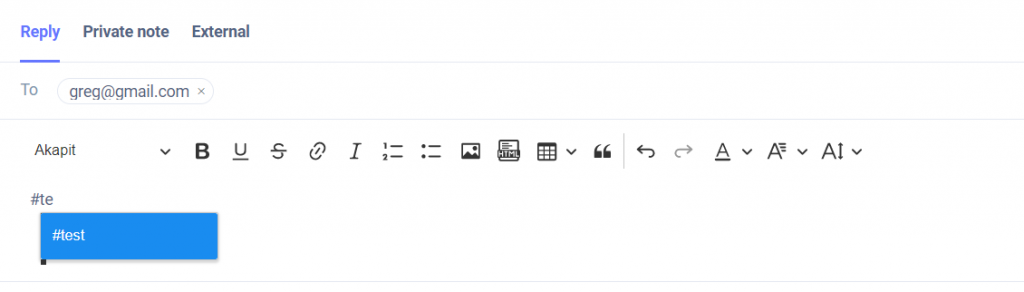
To use a template when replying to a client, enter the sign (#) and a list of defined templates will appear. It is really simple, here is an example:
{% embed url="" %}