> For the complete documentation index, see [llms.txt](https://docs.responso.com/responso-doc/llms.txt). Markdown versions of documentation pages are available by appending `.md` to page URLs; this page is available as [Markdown](https://docs.responso.com/responso-doc/br/integracoes/shopee.md).
# Shopee
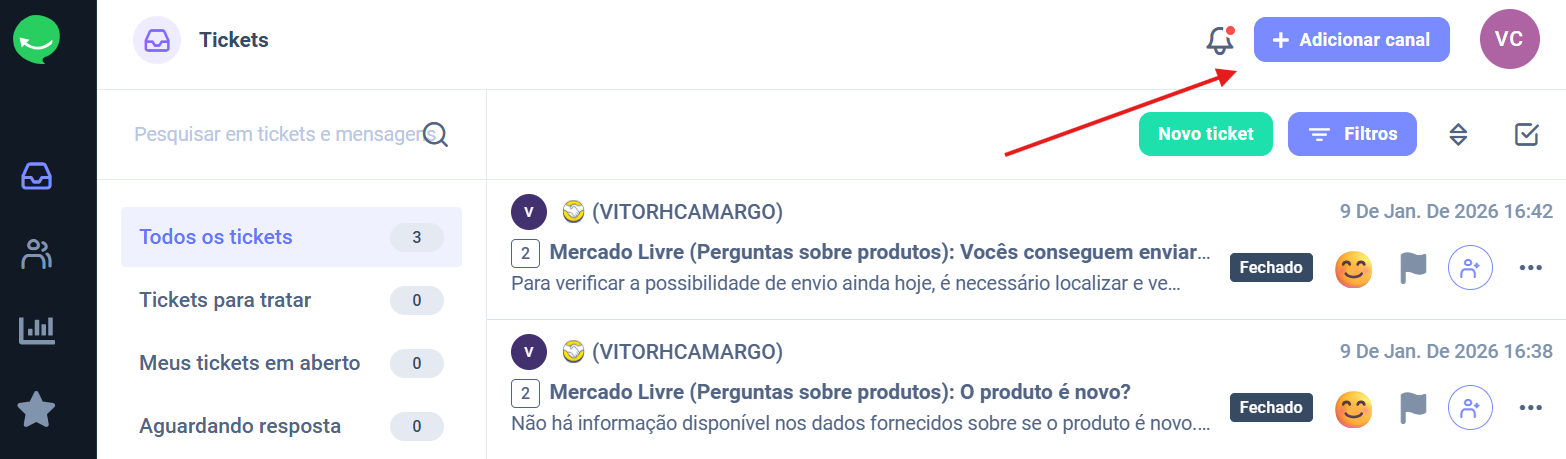
1. Clique no botão **Adicionar Canal** no canto superior direito do painel Responso.
2. Selecione **Shopee.**
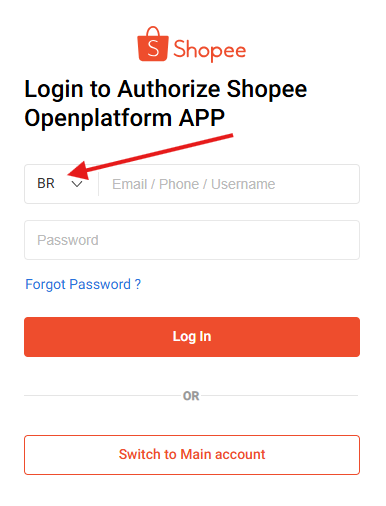
3. No próximo passo, você será solicitado a inserir seus dados:
{% hint style="info" %}
**Ao inserir os dados, lembre-se de selecionar a REGIÃO correspondente.**
{% endhint %}
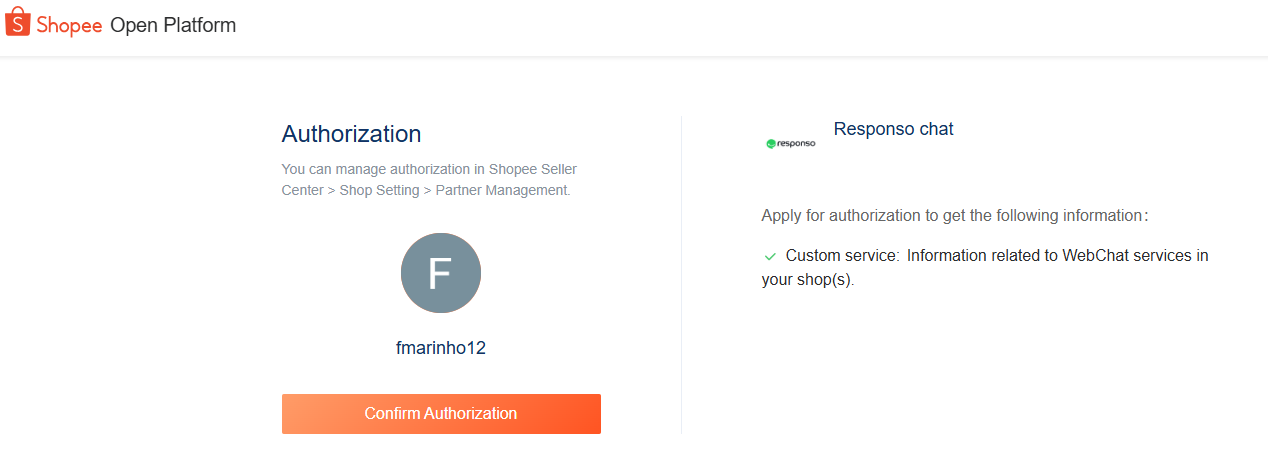
4. Clique em **Confirmar Autorização** na próxima página que abrir da Shopee.
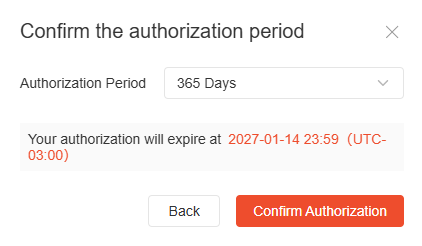
5. Clique mais uma vez em **Confirmar Autorização** para liberar o token por 365 dias - máximo permitido pela Shope.
Após confirmar a integração é só aguardar que você será direcionado para a página do Responso novamente.\
\
**Pronto**, agora você já está com a integração realizada!
6. Caso queira integrar as **Avaliações** da Shopee é necessário que você autorize a integração como indicado na imagem abaixo:
Após clicar no botão "Autorizar" você seguira o mesmo passo a passo da etapa 4 e 5.
## Filtros Personalizados
Se você quiser que na Caixa de Entrada tenha um filtro personalizado para **Opiniões** você deve fazer o seguinte:
1. Na Caixa de Entrada de um clique no filtro "Todos os Tickets"
2. Clique em "Filtros" e depois "Adicionar Filtro".
3. Agora adicione os seguintes filtros:\
"STATUS" = Aberto, Pendente, Em Espera\
"ORIGEM" = Shopee Opiniões\
"TIPO DE TICKET" = Revisão
4. Clique em "Filtros Salvos" e adicione um nome para o filtro, selecione a Categoria que o filtro vai ficar vinculado e se quiser clique em "Compartilhável para outros", caso tenha outros Agentes que vão utilizar o mesmo filtro.\
Se tudo der certo vai ficar assim:
***
Todas as mensagens na primeira integração serão baixadas para a Caixa de Entrada e estarão automaticamente em estado fechado.